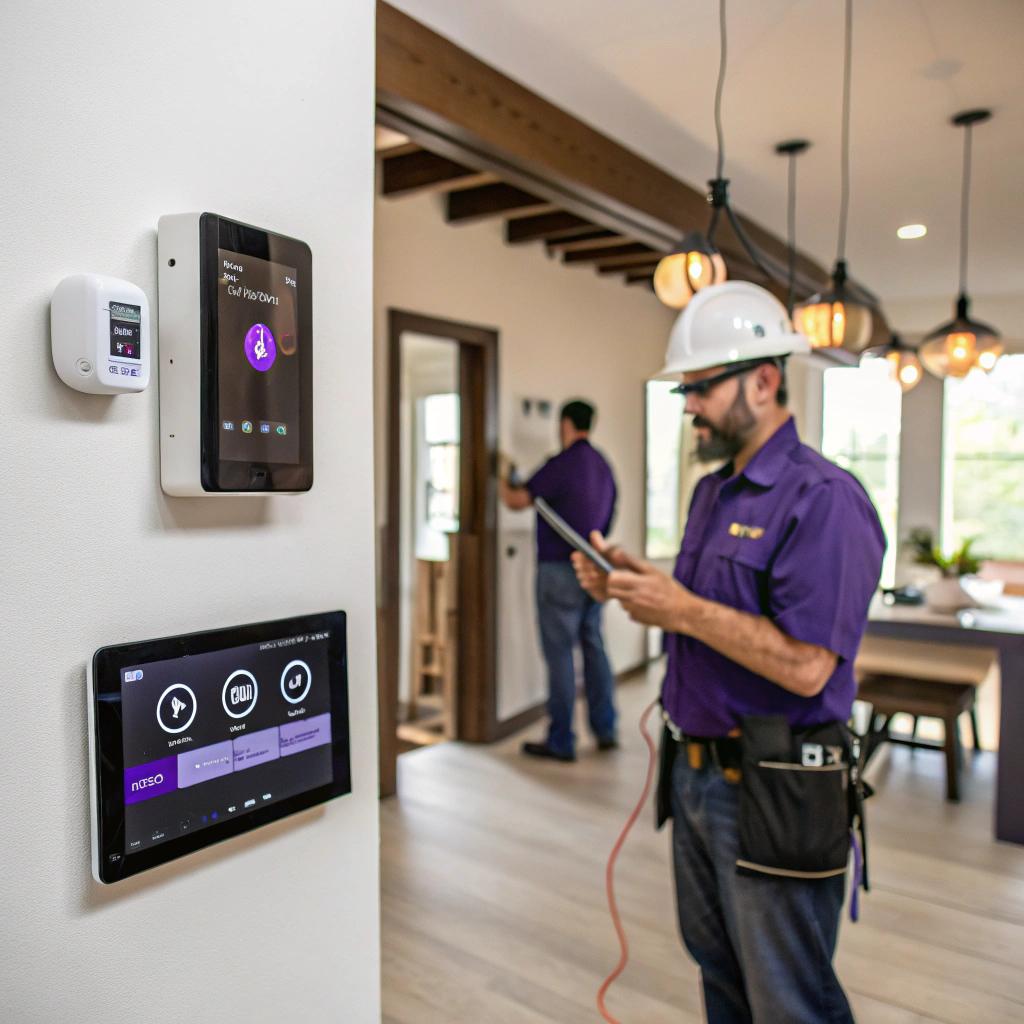
I used to think smart home upgrades were all about fancy gadgets and phone apps. Then I started talking to actual electricians and realized most of it lives inside your walls, not on your screen.
If you want smart lighting, EV charging, security, or energy monitoring that is safe and reliable, you need planning, proper wiring, and usually a pro like an electrician Des Moines who understands both code and tech. The tech side is fun, but the electrical side is what keeps your gear from tripping breakers or failing when you actually need it.
Why a smart home needs an actual electrician, not just more gadgets
A lot of smart devices are “DIY friendly” on the surface. You plug in a hub, screw in a bulb, connect an app, and it works. At least at first.
But once you go beyond three or four smart plugs and a video doorbell, things start to stack up:
- Wi‑Fi congestion from too many devices
- Random breaker trips when you run big loads
- Annoying voltage drops that make smart bulbs flicker
- Outdoor or high‑load devices that really should not be DIY
That is where an electrician who understands tech can help you move from “toy level” smart home to something that feels stable and boring in a good way.
“Good smart homes do not feel smart all the time. They just quietly work and stop bothering you.”
You can keep the fun of new gadgets. The goal here is to pair that with solid wiring, clean panels, and realistic planning so your setup survives more than one product cycle.
Step one: check your electrical system before you add more tech
Before thinking about voice commands or automation apps, it makes sense to ask a simple question:
Can your current electrical system handle more connected gear?
A licensed electrician in Des Moines will usually start with some basics:
Panel capacity and load check
If your home is older, there is a good chance the panel was never planned for:
- Electric vehicles
- Induction cooktops
- High‑end gaming PCs and servers running 24/7
- Multiple large TVs and network hardware
Here is a simple table that shows how different smart or tech upgrades can affect your panel:
| Upgrade | Typical Load | Common Electrical Change |
|---|---|---|
| Level 2 EV charger | 30 to 60 amps | Dedicated 240V circuit, maybe panel upgrade |
| Home server rack / lab | 5 to 20 amps | Dedicated circuit, better surge protection |
| Whole‑home smart lighting | Low, but many devices | Neutral wires, modern switches, better load balancing |
| Heat pump / mini splits | 15 to 40 amps | New 240V circuits, outdoor disconnects |
| Outdoor smart features | Varies | GFCI circuits, weather rated boxes |
If you skip this check and just keep adding hardware, you may end up upgrading your panel later anyway, but in a more painful way, after something fails or starts acting strange.
Grounding, surge protection, and noise
Tech people tend to care about uptime. Power quality is a huge part of that, but it often gets ignored.
An electrician can help with:
- Whole‑home surge protection at the panel
- Proper grounding that helps sensitive devices
- Clean circuits for networking racks and audio gear
“If your smart home hub, router, and NAS share a sketchy power strip in the corner, no amount of app tweaking will fix random shutdowns.”
This is not about being fancy. It is just basic reliability for devices that now control your lights, locks, cameras, and sometimes heating.
Smart lighting that feels natural, not gimmicky
Lighting is often the first smart upgrade people try. Then many of them regret starting with a pile of Wi‑Fi bulbs instead of a better plan.
A tech‑aware electrician can help you decide between three main routes:
Option 1: Smart switches and dimmers
Instead of smart bulbs, you replace the physical switches.
- Looks normal to guests
- Works even when Wi‑Fi is down
- Plays nice with most types of light fixtures
The tricky part is wiring. Many older homes do not have a neutral wire in the switch box, and most modern smart switches need one.
That is where local electricians come in. They can:
- Check where neutrals are present
- Pull new wire if needed
- Group loads so your automations make sense
Option 2: Smart bulbs and fixtures
Smart bulbs are flexible. You get color, scenes, and per‑bulb control. For some rooms, that is great.
But if someone turns the regular switch off, your clever lighting is gone. A good electrician can help reduce that problem with:
- Smart switches that stay powered all the time
- Bypassing some wall switches safely
- Adding multi‑way circuits that match how you move through the house
I used smart bulbs in a hallway once. People kept hitting the switch out of habit, and the motion automation broke. An electrician pointed out a simple fix: a smart switch and a small wiring change, and suddenly it felt natural again.
Option 3: Mixed approach by room type
You do not need to choose one method for the entire home. For example:
| Room | Good Choice | Reason |
|---|---|---|
| Kitchen | Smart switches | People hit switches often, want quick response |
| Living room | Smart switches + smart lamps | Mix of scenes and normal use |
| Bedroom | Smart switches or smart bulbs | Soft dimming, night modes |
| Hallways / stairs | Smart motion + switches | Safety and hands‑free at night |
| Office | Smart switches + desk lamps | Work scenes, screen‑friendly light |
The electrician’s job here is not to tell you what app to use. It is to wire things so your choices actually work in real life.
Smart power: EV chargers, offices, and server corners
If you are into tech, you probably use more power than a typical home from twenty years ago. Multiple monitors, network gear, chargers, maybe an EV.
That starts to change how your electrical system should look.
Level 2 EV chargers in a Des Moines home
Even a “modest” Level 2 charger is a big load. A lot bigger than any smart plug.
A local electrician will usually:
- Check your service size, often 100 or 200 amps
- Calculate your existing loads
- Recommend a charger size that will not overload your panel
You might want the fastest charger on the market, but your panel might be fine with a slightly slower unit that still fills your battery overnight. There is a tradeoff between speed, cost, and panel stress.
Sometimes people add a charger and then later add a heat pump, induction range, and maybe another EV. That is where planning with an electrician helps. You can oversize the panel once instead of doing small fixes each year.
Home office and mini lab circuits
Many readers on a tech site will have at least one of these:
- Desktop PC with a real GPU
- NAS or home server
- Networking cabinet with PoE switches
- 3D printers, test benches, or lab gear
If all of that lives on the same old 15 amp circuit as a space heater and a laser printer, you already know the sound of a breaker tripping during a video call.
An electrician can:
- Add one or two dedicated 20 amp circuits to your office
- Place outlets at the right height near your rack or desk
- Set up surge protection that is not just a cheap strip
I used to think “dedicated circuits” were overkill. Then I moved a desktop, two monitors, a UPS, a switch, and a NAS onto their own run. The random monitor flicker and USB disconnects went away. Maybe that was not a coincidence.
Smarter safety: smoke, CO, and security wiring
Smart homes are not just about comfort. Some of the most useful upgrades are the least glamorous ones.
Smart smoke and CO detectors with hardwiring
Battery powered smart detectors are easy to install, but hardwired ones with battery backup are usually better.
A Des Moines electrician can:
- Connect detectors so when one goes off, they all alarm
- Provide constant power and proper interconnects
- Place them where they follow local codes, not just where you think they fit
Smart features can then sit on top of that solid base:
- Alerts on your phone
- Lights turning on when an alarm triggers
- HVAC shutting down if there is a fire
“Smart safety gear is most useful when it is treated like infrastructure, not like a gadget you bought on sale.”
Wired or hybrid security systems
Wi‑Fi cameras are everywhere, but they are not always the best long‑term choice.
If you are planning more serious security, consider:
- Wired power for cameras, either PoE or low‑voltage lines
- Careful routing so cables are not easy to cut
- Proper outdoor junction boxes and weather protection
Often, security installers handle the low‑voltage part and an electrician deals with power and outlets. In older homes, you might need both so you do not end up with extension cords tucked under siding.
Networking, Wi‑Fi, and power: where electricians connect with tech
Electricians are not network engineers, but they shape where and how your gear can live.
Planning for access points and wired backhaul
If you care about good Wi‑Fi, you probably know that one router in a closet is not enough for a modern home.
For better coverage, many people go with multiple access points that connect over Ethernet. The low‑voltage cabling often falls outside a typical electrician’s job, but there is overlap:
- Electricians can add outlets in ceilings or high on walls for access points
- They can feed power where you want to place a small rack or equipment shelf
- They keep high‑voltage and low‑voltage runs cleaner and safer
If you plan wiring early, you can tuck access points in sensible spots and avoid ugly power cords and adapters in strange places.
Power quality for network gear
Networking hardware is picky. Short power cuts, spikes, or brownouts can corrupt storage or crash routers at the worst time.
Some things to talk through with your electrician:
- Putting your core network gear on the same circuit as a UPS
- Avoiding heavy loads on that circuit that may cause drops
- Locating the outlet for the UPS where cable runs stay short
This may sound minor, but it helps. A stable network is the silent base of every smart home. If your Wi‑Fi or router is flaky, automation rules fail and “smart” suddenly feels very dumb.
Smart switches, standards, and future proofing
If you read tech news, you have probably heard of Matter, Thread, Zigbee, Z‑Wave, and so on. The problem is that they keep shifting. So how do you plan wiring when the standards above it may change?
Focus on wiring, not brands
Electricians do not need to pick your protocols. Their role is to provide flexibility.
Some practical rules:
- Run neutrals to all switch boxes where possible
- Use standard wiring methods that support most future smart switches
- Keep junction boxes accessible, not buried
If the wiring is modern and clean, you can swap smart switches later when standards change, without tearing into walls again.
Think in zones, not single devices
Instead of treating each device as its own project, plan zones:
- A lighting zone for living spaces that might share controls
- A dedicated zone for high‑priority power like office and network
- Outdoor zones for landscaping, cameras, and outlets
An electrician can help you break your panel out in ways that map to those zones. That makes it easier to apply automations in a way that follows how you actually use your home.
Outdoor smart upgrades in a city that has real weather
Des Moines sees heat, cold, snow, and storms. Outdoor smart gear feels that more than you do.
Smart exterior lighting and outlets
Outdoor lighting is a great place for smart control. Pathway lights, porch lights on schedules, motion lighting that ties to cameras.
For these, an electrician can:
- Add GFCI protected outdoor outlets with in‑use covers
- Wire separate circuits for landscaping lights and heavy yard tools
- Place switch loops or smart relay locations in protected spots
If you try to “hack it” with indoor smart plugs and random extension cords, it will probably work for a while. Until rain, snow, or simple wear makes something fail.
Hot tubs, heaters, and other high loads
Outdoor high‑load equipment is where DIY should stop. Hot tubs, patio heaters, or outdoor kitchens usually need new circuits, proper disconnects, and respect for local code.
Combining that with smart control can be useful:
- Remote shutoff when you are away
- Schedules during off‑peak times if your utility offers that
- Energy monitoring per circuit so you see what these things really cost
These are areas where many local electricians are already experienced, then you layer smart control after they make sure it is safe and legal.
Energy monitoring and “quantified home” ideas
If you enjoy graphs and metrics, smart energy monitoring is strangely satisfying. It also pairs very well with an electrician’s work.
Circuit level monitoring
There are devices that clamp on your mains in the panel and track energy use per circuit. Some can even guess the type of device from the power pattern.
To install them safely, you almost always want an electrician, because they sit inside the main panel and often around live feeds.
Once set up, you can:
- See how much power your office or lab actually uses
- Track how often your HVAC runs
- Spot weird patterns that might signal a failing device
If you are the kind of person who tracks CPU temps or network throughput, seeing your home’s power use over time can feel oddly similar.
Using energy data to guide future upgrades
Energy graphs are not just nerdy entertainment. They can guide real choices:
- Deciding if an EV charger will push you near your service limit
- Seeing if old appliances are power hogs before replacing them
- Checking if your “always on” smart devices add up to more than you expected
Sometimes people discover that a couple of ancient dehumidifiers cost more per year than new smart ones would, even after purchase. Without measurement, you are just guessing.
How to work with an electrician when you care about tech
Not all electricians are into smart homes. Some are, though, and they tend to enjoy these projects when the homeowner is clear and realistic.
Be honest about your gear and habits
When you first talk to an electrician, instead of saying “I want a smart home”, try sharing:
- How many PCs, consoles, TVs, and chargers you run
- Whether you work from home full time
- If you plan to buy an EV in the next few years
- What you already have: hubs, bulbs, cameras, sensors
This gives them real constraints. They can then suggest:
- Panel upgrades or not
- Where dedicated circuits make sense
- Which circuits might benefit from smart switches first
If you hide your true level of gadget addiction, you might end up under‑building the system again.
Discuss what happens when the internet or power goes out
Smart homes fail in two common ways:
- No internet, but power is on
- No power at all
Ask your electrician and maybe your smart home installer:
- Which systems still work locally without internet
- Which circuits will be on battery backup, if any
- How to manually control lights and locks during outages
For example, putting your core router, modem, and hub on a UPS, on a dedicated circuit, can keep smart lighting and local automations working through short outages. It is a small change with a big comfort difference.
Common mistakes with smart home upgrades in older homes
Older homes in Des Moines can be charming, but their electrical systems often show their age.
Here are some frequent issues an electrician can help clean up:
Relying on too many smart plugs
Smart plugs are fine for a few lamps or fans. But if half your house runs through plastic adapters, you might be creating:
- Clutter behind furniture
- Overloaded outlets
- Weird behavior when someone forgets how things are wired
Hardwired smart switches or new outlets in the right locations usually age better.
Mixing aluminum and copper without care
Some older homes have aluminum wiring. This needs care and proper connectors when mixing with copper for new devices.
A qualified electrician will know how to handle this safely. Ignoring it while chasing smart gadgets is a mistake.
Ignoring neutral wires and box sizes
Smart switches often need deeper boxes and neutrals. Trying to cram a switch into an undersized box with no neutral is both annoying and unsafe.
This is one of those small, boring details that separate a clean install from something you regret every time you open the plate.
Is hiring an electrician worth it if you like DIY?
If you are already comfortable replacing outlets and basic fixtures, you might feel that calling an electrician is overkill.
Sometimes that is true. You do not need a pro to plug in a hub or configure an app. But once your projects touch:
- Main panel changes
- New circuits
- Outdoor power
- HVAC, EV chargers, or high‑load devices
You are in a zone where mistakes are expensive and sometimes dangerous.
“Think of the electrician as the person who shapes the stage, while you handle most of the props and scripts.”
You still get to enjoy tinkering with automations, scenes, and integrations. You just are not gambling with breakers and insulation each time.
Quick Q&A to wrap things up
Q: Can I build a smart home without touching my electrical panel at all?
A: You can get pretty far with Wi‑Fi plugs, bulbs, and battery devices. But if you want stable EV charging, whole‑home lighting, serious networking, or long‑term reliability, at some point the panel and circuits matter. Many people start gadget‑first, then circle back to the electrical side once they hit limits.
Q: What is the best first “electrician involved” smart upgrade?
A: For many homes, it is a mix of smart switches in key rooms plus one or two dedicated circuits for your office and network gear. That combo immediately improves daily comfort and stability, without turning the house into a construction site.
Q: How do I talk to an electrician about smart tech without sounding vague?
A: Make a short list, even just on your phone, with three parts: what devices you already own, what you plan to add in the next few years, and what annoys you about your current setup. Share that list and let them respond with specific wiring or panel changes. From there, you can decide which parts are worth doing now and which can wait.