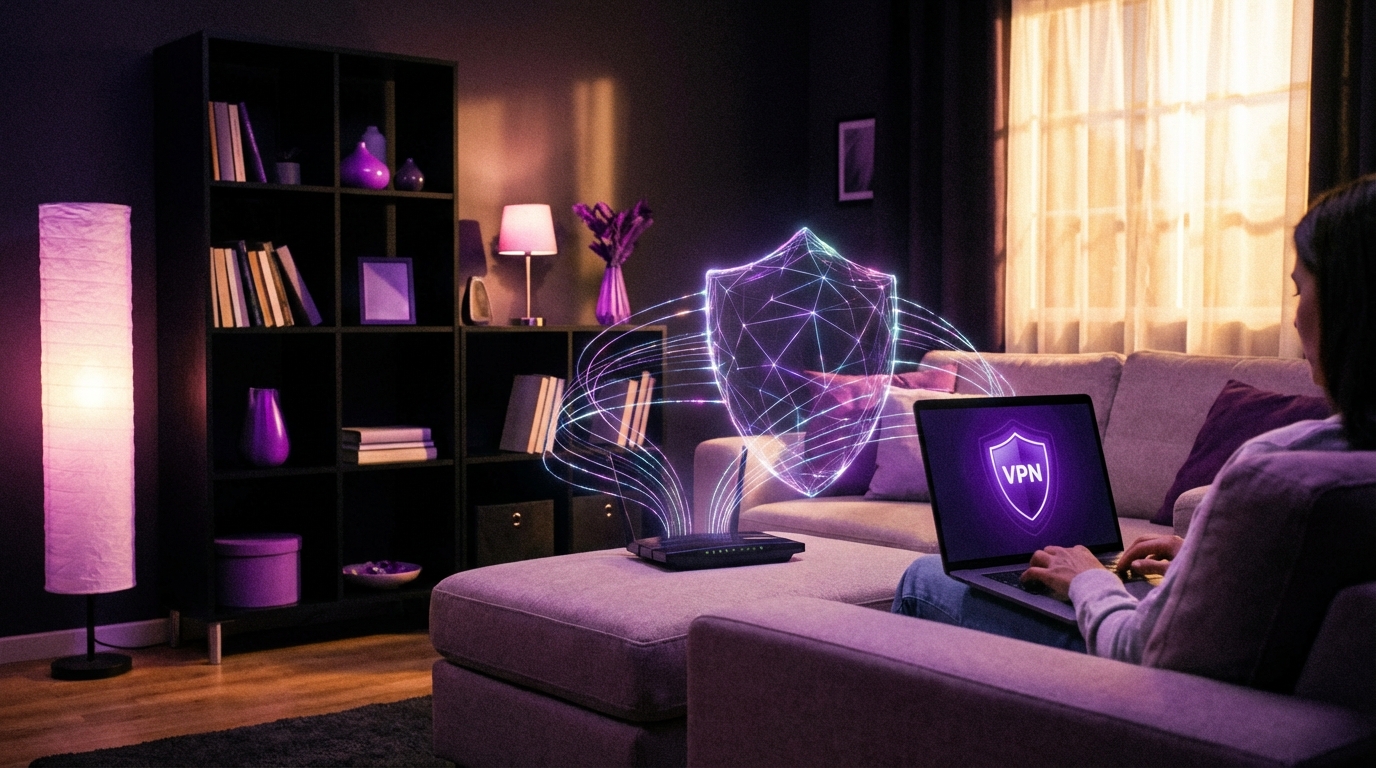
I used to think VPNs were only for hackers in hoodies and people doing shady things online. Then I saw regular parents, students, and small business owners asking me if they “needed a VPN” at home, and I realized the story is more complicated than the ads make it sound.
You probably do not *need* a VPN at home in the way VPN companies want you to believe, but a good VPN can still be very useful for specific problems: hiding your browsing from your internet provider, adding an extra layer of security on risky networks, getting around region blocks, and lowering your exposure to some types of tracking. For many people, a VPN is a “nice to have” tool for privacy and convenience, not a magic shield for security or anonymity.
What a VPN Actually Does (Without the Hype)
Before you spend money on anything, you need to have a clear picture of what it does and what it does not do.
A VPN, or Virtual Private Network, is basically an encrypted tunnel between your device and a VPN server run by the provider. Your traffic goes through that tunnel first, then out to the internet.
Here is what that means in practice:
- Your internet provider sees that you are connected to a VPN, but not which sites you visit.
- Your traffic is encrypted between your device and the VPN server, so people watching the local network (for example, on public Wi-Fi) cannot read it easily.
A VPN hides your traffic from your internet provider and hides your IP from websites, but it does not make you invisible and it does not fix every security issue.
Here is what a VPN does **not** do:
- It does not stop websites from tracking you with cookies, browser fingerprinting, or account logins.
- It does not protect you from malware if you download bad files.
- It does not make illegal activity “safe”.
- It does not turn a badly secured device into a safe one.
So the real question is not “Do I need a VPN?” but “Which problems do I actually have at home that a VPN helps with?”
Let us walk through those.
When a VPN at Home Actually Makes Sense
I will break this down by scenarios, because that is how people use tech in real life. You do not sit and think “I must now deploy a privacy strategy.” You just want to do your thing without feeling exposed.
1. You Want To Hide Browsing From Your Internet Provider
This is one of the more honest reasons to use a VPN.
Your internet provider can normally see:
- Which domains you connect to (for example, “example.com”).
- Rough timing and volume of traffic.
- Your home IP and which devices are connected.
With HTTPS everywhere, they usually cannot read the content of the pages (like the exact article text), but domains alone can say a lot about you.
A VPN changes this picture:
| Without VPN | With VPN |
|---|---|
| ISP sees all domains you visit | ISP sees only that you talk to a VPN server |
| Websites see your home IP | Websites see VPN server IP |
| Metadata easy to link to your address | Metadata tied to VPN company instead of ISP |
So if you do not like the idea of your internet provider building a profile of your habits, a VPN can help.
There is a tradeoff though: you are moving some of that trust from your provider to your VPN company.
Without a VPN you trust your ISP. With a VPN you trust the VPN provider instead. The trust does not disappear, it just moves.
If you pick a shady VPN because it is free, you might be worse off than before.
So for this use case, pay attention to:
- A clear, simple privacy policy that you can read without falling asleep.
- Independent audits of “no logs” claims, not just marketing banners.
- A business model that makes sense (paid subscriptions, not selling data).
If your main concern is your provider selling or analyzing your traffic, a VPN at home is a reasonable tool.
2. You Use Public Wi-Fi Often (Even If Your Router Is at Home)
You asked about using a VPN “at home”, but people move around. Your laptop, phone, and tablet go with you.
Home networks are usually more controlled. Coffee shop Wi-Fi, airports, hotels, and shared buildings are a different story. On those networks:
- Anyone else on the network might try to snoop or run simple attacks.
- Network owners can monitor or filter some traffic.
- Fake Wi-Fi networks with similar names can trick people.
A VPN on your devices helps here because everything out of your phone or laptop is encrypted until it hits the VPN server.
If you travel, work from cafes, or connect to random Wi-Fi, having a VPN app on your phone and laptop is much more useful than installing one only on your home router.
At home, your Wi-Fi risks are lower if you:
- Use WPA3 or at least WPA2 with a strong password.
- Change the default admin password on your router.
- Keep your router firmware updated.
In that setup, a VPN is an extra layer, not the main security tool.
3. You Want To Watch Region-Locked Content
This is the use case VPN companies love to advertise: “Watch anything from anywhere.”
Streaming platforms often restrict content by country. A VPN can sometimes help by giving you an IP from a different region.
But there are a few catches:
- Streaming services are actively blocking known VPN IPs.
- What works today might break next week.
- Terms of service might forbid this kind of access.
You might get it working. You might not. And you might have to jump between servers.
So if your main goal is streaming tricks, a VPN can be useful, but you should treat it as “might help”, not as a guarantee.
4. You Want Less Exposure To Tracking and Profiling
Here is where things get a bit subtle.
A VPN helps with:
- Hiding your real IP from websites (they see a shared VPN IP instead).
- Breaking the link between your home IP and your browsing history.
But it does **not** help with:
- Your Google account tracking what you do while logged in.
- Facebook tracking you across the web using its scripts.
- Ads following you using cookies or device fingerprinting.
So yes, a VPN reduces one signal: your IP. That is useful, but it is only one piece.
For better privacy at home, combine a VPN with:
- A privacy focused browser or hardened settings (for example, Firefox with tracking protection).
- DNS filtering (for example, using a DNS service that blocks trackers).
- Browser extensions that block trackers and ads.
A VPN is not a privacy plan. It is one of several tools you combine if you care about shrinking your digital footprint.
If you expect a VPN to stop targeted ads by itself, you will be disappointed.
5. You Need To Remotely Access Your Home Network
This is a bit more technical, but it comes up more than people expect.
Example: You run a home media server, a NAS, or smart home dashboard that you want to reach when you are away.
You have two broad options:
- Expose it directly to the internet with port forwarding. Riskier.
- Set up your own VPN to your home network. Safer if done correctly.
In this case, you are not paying a commercial VPN company. You run your own VPN server on your home router or a small device like a Raspberry Pi.
Then when you travel, you connect to your own VPN, and it is like you are on your home Wi-Fi.
This is a different type of VPN use, but it is one of the best reasons to have VPN technology at home.
6. You Share a Connection With Roommates or a Landlord
If you live in shared housing, dorms, or rent a room where the landlord manages the internet, your “home” is a bit like public Wi-Fi with less control.
Whoever runs the network could see a lot of your traffic.
In that situation, running a VPN on your personal devices makes a lot of sense. You do not need to convince anyone to change settings on the router. You just protect your own devices.
7. You Are In a Country With Heavy Censorship or Monitoring
This is where VPNs move from “nice tool” to “critical tool” for some users.
Some countries:
- Block certain sites and services.
- Log internet usage at the provider level.
- Inspect traffic more deeply.
A VPN can help bypass some blocks and reduce inspection, but it is not foolproof. In some places, VPNs are targeted or blocked too.
If this is your context, you need to be much more careful:
- Choose providers known to work in your region.
- Learn about “obfuscation” or “stealth” modes in VPN apps.
- Stay up to date, because conditions change quickly.
For many readers, this will not be the main concern at home. For some, it is the only concern that matters.
When a VPN at Home Does Not Help Much
This is the part VPN marketing rarely explains clearly.
1. Protecting You From Malware and Viruses
A VPN does not replace:
- Antivirus or anti-malware tools.
- Safe browsing habits.
- Automatic updates on your devices.
You can still:
- Click a phishing link.
- Install a fake app.
- Download a malicious attachment.
All of that works just fine through a VPN tunnel.
Some providers offer “malware blocking” or “threat protection” by blocking known bad domains. That is helpful, but it is closer to DNS filtering than to full security.
If your main fear is “hackers stealing my files”, a VPN by itself is not the right answer. You need:
- Strong unique passwords and a password manager.
- Two factor authentication on your accounts.
- Up to date operating systems and apps.
If you ignore updates, reuse passwords, and install random software, a VPN will not save you from the problems that follow.
2. Making You Anonymous Online
True anonymity on the internet is very hard. A regular commercial VPN does not give you that.
Why?
- Many websites know you by your login, not by your IP.
- Your browser sends many small details (screen size, fonts, language) that can be combined to identify you.
- Your behavior patterns can reveal you over time.
VPN companies often use words that suggest anonymity, but what they actually offer is a lower level of exposure.
If your threat model is “I do not want my provider and random advertisers to easily link things back to my home IP”, a VPN helps.
If your threat model is “I need strong anonymity against serious opponents”, you are in a very different category, and a basic VPN subscription is not enough.
3. Making Your Internet Faster
Sometimes a VPN can make things feel slightly faster if your provider is mismanaging traffic to certain services. But that is not normal.
Most of the time:
- Your traffic goes to a VPN server first, so you add extra distance.
- Encryption adds a small overhead.
So speed can:
- Stay roughly the same.
- Drop a little.
- Drop a lot if you pick a slow server or a crowded provider.
If a VPN company says you will “speed up” your home internet, keep your expectations low. You might even need to turn the VPN off for gaming or video calls if latency spikes.
4. Protecting Smart Home Devices
This one sounds good on paper: “My smart TV, thermostat, and speakers will be safe if I put them behind a VPN.”
Reality is messier.
Many smart devices:
- Do not support VPNs directly.
- Depend on cloud services tied to your local IP or region.
- Break or behave badly when all traffic exits through a VPN in another country.
You can set up a VPN on the router, but then everything goes through it, even devices that do not need it.
A better approach for home devices is often:
- Separate “IoT” devices onto a guest network or VLAN.
- Disable remote access features you do not use.
- Pick brands with a track record of updates.
A VPN is not the main security control for your smart fridge.
Do You Need a VPN on the Router or on Each Device?
This is a practical question that comes up once you decide you want a VPN at home at all.
You have two broad setups:
1. VPN on Individual Devices
You install your VPN provider’s app on:
- Laptops
- Phones
- Tablets
Pros:
- Easy to set up and turn on or off.
- You can choose which device uses the VPN.
- Works outside your home Wi-Fi too.
Cons:
- You must manage each device separately.
- Not all devices support VPN apps (for example, some smart TVs).
For most people, this is the best starting point. It covers the devices that hold your personal data and that leave the house.
2. VPN on the Home Router
Here you configure the VPN directly on your router. Everything that goes through the router can be routed through the VPN.
Pros:
- All devices benefit at once, without extra apps.
- Good for devices that do not support VPN apps.
Cons:
- Setup can be complex and model dependent.
- If the VPN connection breaks, your whole home traffic is affected.
- Some services (banking, streaming, gaming) may behave badly.
For many families, a hybrid approach works better:
- Regular router connection, no VPN by default.
- VPN apps on personal devices where privacy matters most.
Putting a VPN everywhere at router level sounds neat, but it often creates small daily annoyances that regular users do not enjoy.
How To Choose a VPN Provider (Without Getting Lost)
You have probably seen hundreds of VPN ads. The comparison charts all look the same.
Here is a simpler way to think about it.
1. Free vs Paid
Free VPNs are almost always a bad idea for privacy. They need to make money somewhere.
Common issues:
- Data collection and sale of browsing habits.
- Weak or old encryption.
- Limited bandwidth and very slow servers.
If you care enough about privacy to add a VPN, you should care enough to pay for it. A reasonably priced, reputable provider is a much better bet than something that costs nothing.
2. Logging Policy and Audits
Every provider claims “no logs” on the front page. That is not enough.
Look for:
- Independent audits by known security firms.
- Clear wording about what they collect (connection timestamps, bandwidth, etc.).
- History: have they ever had servers seized or been in court, and what happened.
I actually like to see small mistakes or past incidents handled well. It shows how a company behaves under stress.
3. Jurisdiction and Ownership
Where the company is based affects:
- Which laws apply.
- How easy it is for authorities to demand records.
There is a lot of fear marketing around certain countries. I am not going to say “this country good, that country bad.” Reality is nuanced.
What matters:
- Transparency about the company structure and owners.
- Clear handling of lawful requests documented in reports.
If a VPN refuses to say who runs it or where it is based, that is a red flag.
4. Speed, Reliability, and Support
This is less glamorous but very practical.
Pay attention to:
- Consistent speeds on servers near you.
- Stable connections (not dropping every hour).
- Support that answers real questions, not just templates.
Here is a simple way to test before committing long term:
| Step | What To Check |
|---|---|
| 1. Speed test without VPN | Note baseline download, upload, and ping |
| 2. Speed test with nearby VPN server | Compare; a small drop is normal, big drop is a problem |
| 3. Use for a normal day | Streaming, calls, browsing; see if anything breaks |
If you feel annoyed enough to switch it off often, that VPN is not a good fit for daily home use.
5. Extra Features That Actually Matter
Many VPNs race to add features. Most are nice to have, not core.
The ones that do matter:
- “Kill switch” that cuts internet when the VPN connection drops, so you do not leak traffic unexpectedly.
- Split tunneling, so you can choose which apps use the VPN and which do not.
- Support for modern protocols like WireGuard or well configured OpenVPN.
Things like pretty maps and fancy animations are cosmetic. Helpful for marketing, not security.
So, Do You Really Need a VPN at Home?
Let me answer this as directly as I can, even if it sounds a bit blunt.
If you:
- Use a normal home connection you pay for.
- Mostly browse, stream, shop, and do some work.
- Keep your devices updated and use good passwords.
Then:
- You do not absolutely need a VPN to be “safe”.
- You may still benefit from one if you value privacy and want less tracking at the network level.
Where a home VPN starts to look like a good idea is if:
- You dislike your provider seeing your browsing habits.
- You live with roommates or use shared connections.
- You often connect your devices to Wi-Fi outside your home.
- You want to access content that is blocked or restricted in your region.
Treat a VPN as one tool in your kit, not a magic shield. It is good at hiding traffic from your provider and masking your IP. It is bad at fixing bad habits, weak passwords, and unpatched systems.
If you are deciding right now:
- If money is tight and your main worry is malware or hacking, invest effort in updates, password management, and backups first.
- If you already do the basics and care about privacy, then adding a respected paid VPN for your main devices is a reasonable next step.
I know that is less dramatic than the “Everyone must install a VPN right now” message that fills ads. But in real homes, with real networks and real people, that is closer to the truth.