A window is the thinnest part of a wall, and the part most households never think about until a draft or a stuck latch forces the issue. It lets in light, heat, noise and, once in a long while, someone who should not be there. Looking after a window can mean anything from a small adhesive sensor to window installation Colorado Springs households book when old frames finally give up.
This review is about the sensor end of that range: the small devices that report what your windows are doing. I compare three kinds, contact sensors, glass-break sensors and vibration sensors, and I’ll be strict about what they do today versus what the marketing implies. No model names, no prices, no test scores. Specs are described by type.
How It Works
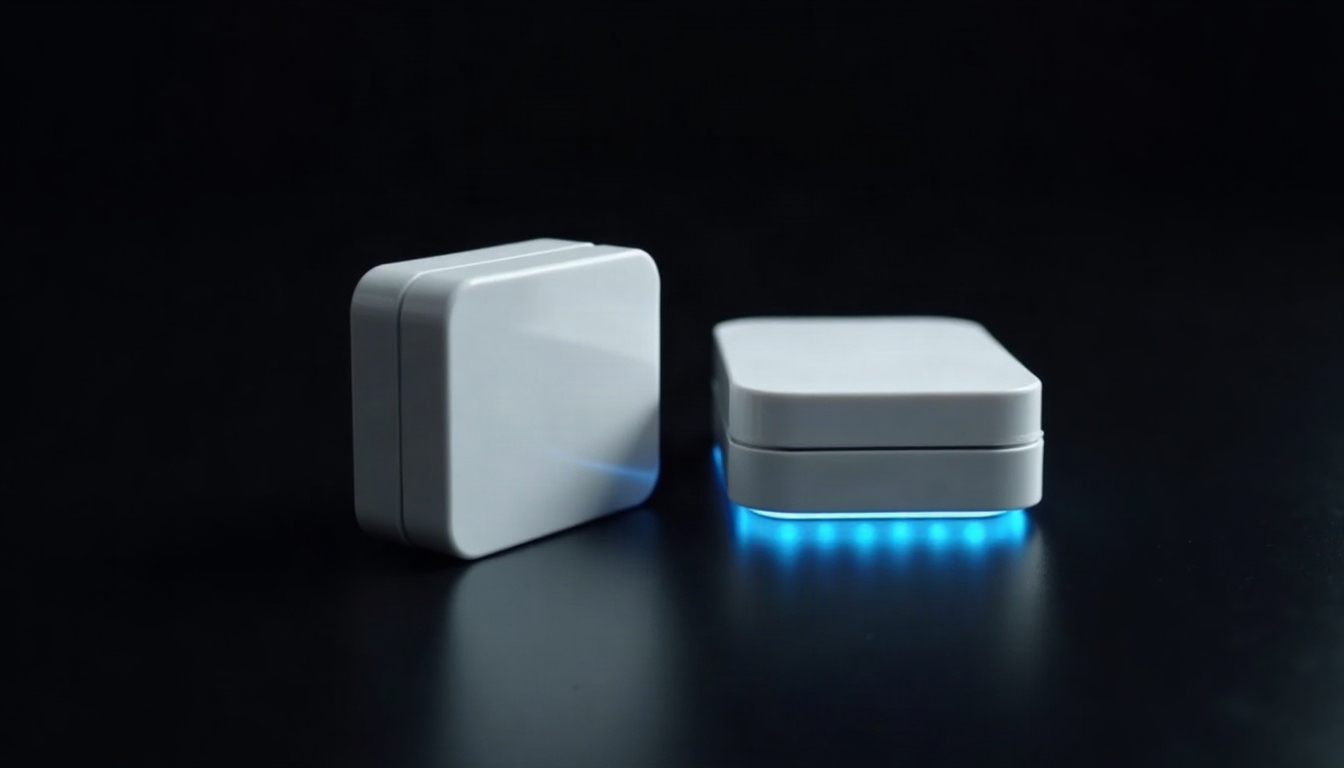
A contact sensor comes in two pieces. One piece holds a magnet and sticks to the moving part of the window. The other holds a small magnetic switch and a radio and sticks to the frame. While the pieces sit next to each other, the switch stays closed. When the window opens, the magnet moves away, the switch opens, and the radio sends a short message to a hub or to your router. That message is all the device ever says: open, or closed.
A glass-break sensor is a small microphone with one job. It listens for the pattern of sound that breaking glass makes, a sharp impact followed by a higher-pitched crackle, and ignores most other noise. It sits in the room, not on the glass, and covers whatever panes it can “hear.” A vibration sensor goes on the glass or frame itself and reacts to a knock or a hard shake, so it works by feel and not by sound.
All three talk to your home over a radio. Zigbee, Z-Wave and Thread are low-power mesh protocols that need a hub or a compatible border router. Wi-Fi sensors skip the hub but drink batteries faster and lean on your router. Some use a maker’s own radio and only work inside that maker’s system.
Today vs the pitch. The pitch says your home “knows” when something is wrong. What ships today is a magnet and a radio that report a fact, plus whatever rules you write about it. The intelligence is in the rules, and the rules are yours to build. This is the pattern in almost every automation story, from sensors to much larger systems: the demo shows the outcome, and a household quietly supplies the labor.
One local note. A dry, sunny, windy region with the occasional hailstorm is hard on frames and seals. A sensor will tell you the window is closed, and it will say nothing about a seal that has failed or a frame that has warped. That is a different kind of problem and a different kind of professional.
Spec Check
| Spec | Contact sensor | Glass-break sensor | Vibration sensor |
|---|---|---|---|
| What it detects | Window opened or closed | The sound of glass breaking | Knocks, impacts and shaking |
| Power source | Coin-cell battery | Battery or plug-in, depending on the type | Coin-cell or small battery |
| Connectivity | Zigbee, Z-Wave, Thread, Wi-Fi or a maker’s own radio | The same radio options, often through a hub | The same radio options |
| Hub needed | Usually, unless it is Wi-Fi | Usually | Usually, unless it is Wi-Fi |
| Installation | Adhesive on frame and sash | Placed on a shelf or mounted on a wall with line of sight to the glass | Adhesive on glass or frame |
| Maintenance | Battery swaps and an occasional test | Battery or power check and an occasional test | Battery swaps and sensitivity adjustment |
| Best for | Windows that open, one sensor per window | Rooms with large glass or many panes | Fixed windows and glass doors that never open |
The row that matters most is “What it detects,” because it sets the use case. A contact sensor knows nothing about glass. A glass-break sensor knows nothing about a latch left undone. If your worry is a window left open before bed, the contact sensor answers it. If your worry is a pane being broken, the other two do, with the caveat that they listen or feel for events, they do not interpret them. The “Hub needed” row decides how much you will spend on the rest of the system, so check it before adding up the shopping list.
Pros
- Low-effort peace of mind per window. A contact sensor is the simplest piece of smart-home hardware there is. It has few parts to fail and does one clear thing.
- Useful for more than security. A window that is open while the air conditioner or furnace runs is wasted energy. A sensor can pause the system or send a reminder, which is a better use than most “smart” features.
- One glass-break sensor covers a lot. A single unit can watch several panes in a room, which beats sensors on every one of them.
- Local control is possible. With a hub, many of these sensors work without a cloud account, so the rules keep running when the internet drops.
Cons
- They report, they do not fix. A sensor can tell you a window is open. It cannot close it, lock it, or tell you why the frame sticks.
- Batteries are a chore. Ten sensors means ten small batteries on ten different schedules. Many apps warn you when one runs low, but someone has to climb a stepladder.
- Glass-break sensors have limits. Some glass types are harder for them to detect, and everyday noise can trick them. Check the maker’s notes for your glazing, and test the placement.
- Vibration sensors can be touchy. Wind, slamming doors and heavy trucks can set them off. Sensitivity settings help, but expect some tuning.
- Some systems charge for the useful parts. Alerts, history or video can sit behind a monthly plan. Ask what works for free before you buy.
Setup and Daily Use
Here is a rule I would build on day one. When a window opens while the air conditioner is running, the sensor tells the hub, the hub tells the thermostat to pause, and your phone gets a note saying which window. When the window closes, the system resumes. It is small, it is useful, and you can explain it in one sentence, which is how I judge any automation.
Daily use is quiet, and that is the point. The question to ask yourself is who benefits from each alert. A “window open” note while you are at work is useful to you. A flood of notifications every time a family member opens a bedroom window is mostly noise, so switch those off and keep the ones tied to an action.
DIY Install
The sensors are yours to place. Wipe the frame and sash clean and dry before using the adhesive, hold the two pieces within a finger’s width of each other, and open and close the window a few times to confirm the app notices each change. Name each sensor after its room and window. Put a glass-break sensor where it has a clear view of the glass, not behind a curtain or in a corner behind furniture. Test it using the maker’s test mode, never by actually breaking anything.
Pro Install
If you are replacing windows anyway, mention sensors to the installer before the job starts. New frames are the cleanest surface you will ever have for an adhesive, and the installer can tell you what the frame maker says about glue and screws. The window work itself, measuring, fitting and sealing, is trades work, and I would not suggest otherwise. Hardwired alarm sensors that sit inside the wall are a job for a licensed alarm or electrical professional, and rules about alarm systems vary by place, so ask the city or county what applies.
Verdict
Verdict
Buy if: you want a simple, honest report on which windows are open, or you like the idea of tying that fact to your heating and cooling. Contact sensors are the sensible start, and a glass-break sensor is a reasonable add-on for a room with a lot of glass.
Skip if: you expect the sensors to make the home secure by themselves, or you do not want another set of batteries to track.
Sensors are a good example of automation done modestly: they report a fact, and the human still decides what to do about it.