The first hot, sticky afternoon of the year is a bad time to learn how your air conditioner behaves. Most systems fail quietly: the house takes longer to cool, one bedroom lags behind the others, a puddle shows up near the indoor unit. Planning Valparaiso ac repair is easier when you can tell a technician what the system was doing before it quit, and a few small sensors can keep that record for you.
This review looks at three ways to watch your air conditioning: a smart thermostat on its own, a smart thermostat with remote room sensors, and a standalone sensor kit that sits beside the equipment. I care about how they work together with other devices, so I’ll cover hubs and protocols as well as features. No model names and no prices. Specs are described by type.
How It Works
Start with the thermostat, because everything else hangs off it. A conventional thermostat is a switch. When the room is warmer than the setting, it closes a low-voltage circuit that tells the air handler and the outdoor unit to run. A smart thermostat does the same job and adds a small computer, a radio and a memory. It logs how long the system ran, what temperature you asked for and what the room actually did. That log is the useful part.
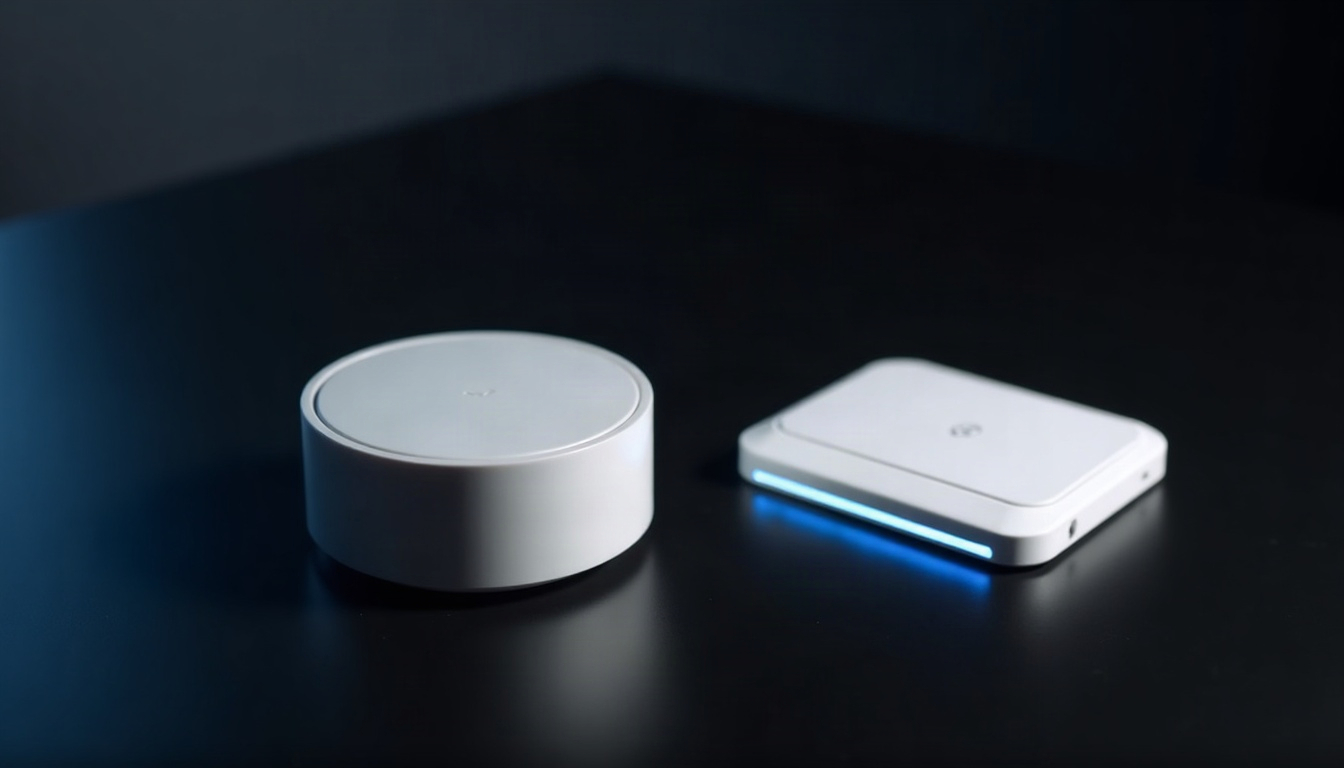
Room sensors extend the picture. They are small battery-powered units that report temperature, and sometimes humidity or motion, from other rooms. They talk to the thermostat over Bluetooth, Thread or a maker’s own radio. Thread is a low-power mesh protocol for smart home gear, and Matter is the shared language some brands use to talk across ecosystems. Support for thermostats under Matter varies by maker, so check what your phone’s home app can really see before you count on it.
Standalone kits go a different way. A temperature and humidity sensor near a supply vent and another near the return grille, plus a water sensor on the floor by the indoor unit, will show you the gap between the air going in and the air coming out. When that gap shrinks over several days, something has changed. The sensors cannot say what, and a refrigerant or electrical fault is not something to guess about. They give you a trend and a reason to call.
Humidity is worth watching too. An air conditioner also pulls moisture out of the air, so on a muggy day a humidity reading that climbs while the temperature holds is a clue that the system is not keeping up. Treat it as a clue and nothing more.
Spec Check
| Spec | Thermostat alone | Thermostat with room sensors | Standalone sensor kit |
|---|---|---|---|
| Power source | Low-voltage from the HVAC system, sometimes with a backup battery | Same, plus small batteries in each sensor | Batteries in each sensor |
| Connectivity | Wi-Fi | Wi-Fi to the cloud; Bluetooth, Thread or a maker’s radio to the sensors | Zigbee, Thread or Wi-Fi, depending on the kit |
| Hub needed | No | No | Often yes |
| Installation | Replaces the existing thermostat and connects to system wiring | Same, plus placing the sensors | Placing sensors at the vents and by the drain |
| App or local control | Vendor app; local options vary | Vendor app; local options vary | Hub-based and often local |
| Maintenance | Firmware updates and filter reminders | Same, plus sensor batteries | Sensor batteries |
| What it tells you | Run time, set versus actual temperature | Room-by-room temperature along with run time | Temperature gap across the system and water presence |
| Best for | Basic scheduling and a run-time log | Homes with a hot or cold room | Keeping an eye on the equipment itself |
Read the “What it tells you” row first. The thermostat alone tells you whether the system ran. The room-sensor setup tells you whether the house actually cooled, which is a better question. The standalone kit is the only one that watches the equipment’s behavior and the only one that can catch water where it does not belong. Installation matters just as much: only the first two touch your system’s wiring, so they are the ones to confirm for compatibility before you buy.
Pros
- Early warning. A house that slowly stops cooling shows up in the log before it shows up in your bedroom. That head start is worth more than any feature on the box.
- A better story for the technician. “It started struggling a few days ago, and the upstairs lagged first” beats “it just stopped.” Run-time history and room readings turn guesswork into a conversation.
- Room sensors end the hot-bedroom argument. You can see which rooms run warm, and the thermostat can weigh them instead of trusting a single hallway wall.
- Water alerts. A sensor on the floor near the indoor unit can catch a drain problem early, before it reaches the ceiling or the carpet.
- Reminders that work. A filter nudge is boring and effective. Weak airflow often traces back to a neglected filter.
Cons
- Compatibility is not universal. Heat pumps, multi-stage systems and some older equipment need extra checks. A thermostat that fits your neighbor’s house may not fit yours.
- Data without a diagnosis. The app can say something is off, but not why. Refrigerant, electrical and airflow faults need a technician.
- Account dependence. Most thermostats lean on a vendor account and cloud service. If the app is retired, ask what is left on the wall.
- Battery chores. Every room sensor is a small battery on its own schedule.
- Alert fatigue. Too many notifications and you stop reading any of them, which defeats the early warning.
Setup and Daily Use
Here is the automation I’d build first. A water sensor sits on the floor by the indoor unit. When it gets wet, it tells the hub, the hub sends an alert to your phone, and a light near the bedroom hallway turns on. You turn the cooling off at the thermostat and call a technician. It is three steps with a human at the end, and nothing in it pretends to be a repair.
A second rule: if the upstairs room sensor reads warm for several hours while the thermostat reports the system running, send a notice. Check the filter and make sure nothing blocks the vents or the outdoor unit. If those look fine, the notice is your cue to book a visit.
Daily use should be dull. Glance at the app when the weather turns, not every hour. The numbers that matter are slow changes: a system that used to cool the house in an afternoon and now runs all day, or a room that drifts further from the setting each week. Keep a screenshot of the run-time history from a normal week. It takes ten seconds and gives the technician a baseline to compare against.
DIY Install
The sensor side is yours. Put room sensors on an interior wall at living height, away from vents, direct sun and the kitchen. Put the water sensor flat on the floor, close to the indoor unit’s drain area. Name everything by room, test the alert by wetting the sensor with a damp cloth, and set a calendar reminder to check batteries once a season. Do not open the equipment itself.
Pro Install
Swapping a thermostat means connecting to the system’s wiring, and the right choice depends on the equipment type. A technician can read what is there and tell you whether a given thermostat will work, so ask before you buy. The same visit is the time to ask whether the drain line has an overflow switch. Refrigerant work, anything inside the unit, and any work on gas lines or mains wiring is for licensed professionals, and I won’t describe it as a weekend project.
Verdict
Verdict
Buy if: you have a hot room or want a record of how the system behaves, and you will let a technician handle the thermostat wiring. Room sensors plus a water sensor by the indoor unit is the combination I’d choose.
Skip if: your system is old or unusual and nobody has confirmed compatibility, or you do not want another app and another set of batteries.
Sensors will not fix an air conditioner, but they make the first phone call shorter and the next question clearer.