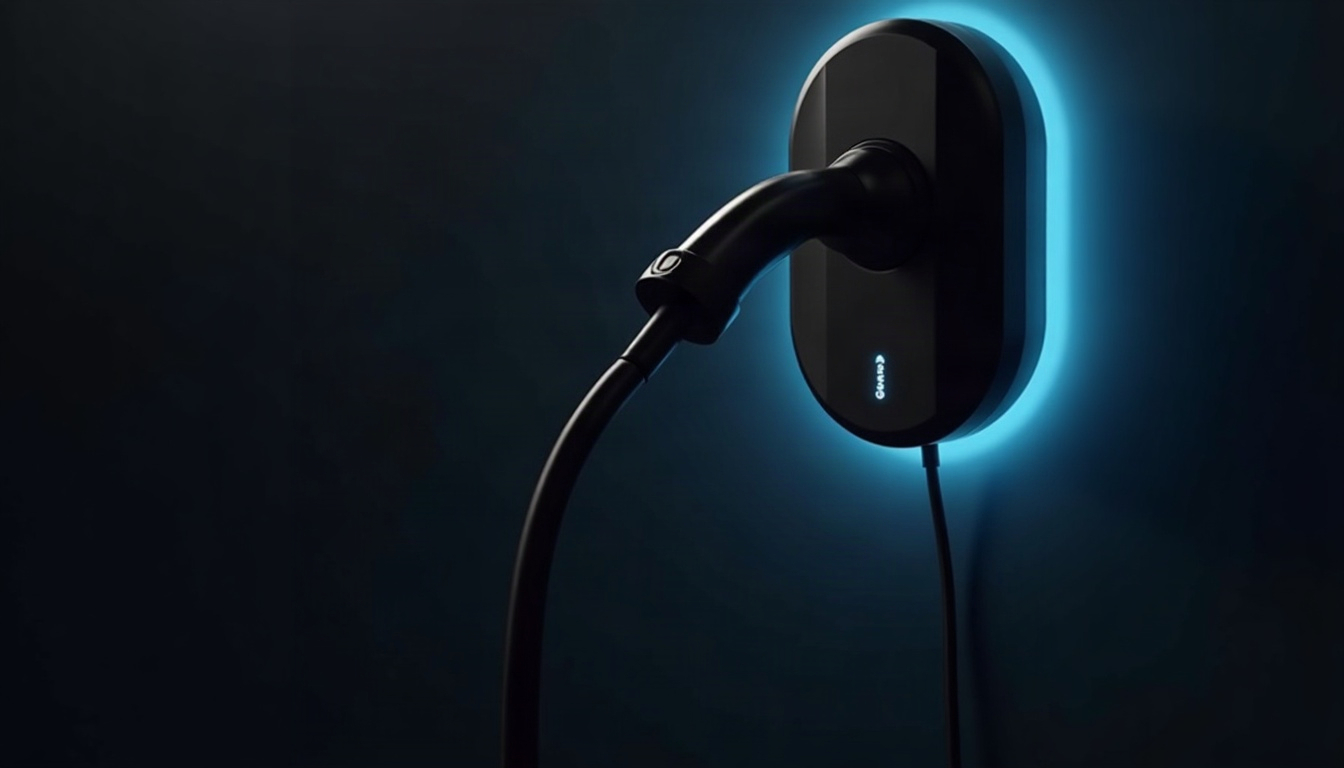
For most people, charging at home is the whole point of owning an electric car: you plug in at night and leave in the morning with a full battery. The box on the garage wall decides how much fuss that takes, and it comes in two broad kinds. One is a basic charger that just delivers power. The other is a connected charger with Wi-Fi, an app and a cloud account behind it. The electrical side of the job belongs to an electrician, and one local option for charger installation is Titan Electric Akron.
This review covers the connected category against the basic one, with a middle variant that adds local network control. I read it the way I read every networked device: what data it collects, who could get in and how, and what you are left with if the vendor’s app or server goes quiet. No model names and no prices. Specs are described by type.
How It Works
The box on the wall is not a charger in the way most people imagine. The conversion from the grid’s alternating current to the battery’s direct current happens inside the car. The wall unit, formally called EVSE (electric vehicle supply equipment), is a safety switch that talks to the car. It checks that the car is connected and ready, signals how much power is available, and only then closes the circuit.
A basic unit stops there. A connected unit adds a small computer and a radio, usually Wi-Fi, sometimes Ethernet, with Bluetooth often used for first setup. The radio links it to your router, and in most designs on to the vendor’s cloud server, where your account lives. When you tap “start” in the app, the request travels from your phone to the cloud, then to the charger, and the answer comes back the same way. That round trip is what makes scheduling and usage history possible. It is also the part with a privacy cost.
Here is the threat model in plain words. Who could get in? Someone with your Wi-Fi password, someone with your vendor login, or a flaw somewhere in the vendor’s own system. What would they see? Charging times, which show when you are home and when you are away, plus the address and name attached to the account. The breaker and the unit’s built-in protections stay in charge of the electrical side either way.
The third variant exists because some chargers can be managed over your home network without going through the vendor’s cloud, sometimes by way of a home automation system. Support varies a lot, so I’d check it before buying rather than after.
Spec Check
| Spec | Basic charger | Wi-Fi charger with cloud app | Connected charger with local control |
|---|---|---|---|
| Connectivity | None | Wi-Fi to the vendor’s cloud | Wi-Fi or Ethernet to your home network |
| Account needed | No | Yes, for most features | Often for setup, optional afterward |
| Hub needed | No | No | Sometimes, for a home automation system |
| App or local control | Controls on the unit and in the car | App, routed through the cloud | App plus a local option where offered |
| Data leaving the house | Little beyond what the car reports | Usage history and account details | Depends on the settings you choose |
| Scheduling | The car’s own settings | The charger’s app | The app or a home automation system |
| Updates | Nothing to apply | Firmware through the app | Firmware, plus network settings to maintain |
| Best for | A simple garage and minimal fuss | Owners who want history and remote start | Owners who want scheduling without the cloud |
The row that decides it is “Data leaving the house.” Your car most likely has its own app and account already, so a connected charger adds a second set of credentials rather than the first. If you only want the car to charge overnight, the basic column covers it. If you want a record and remote control, you are accepting the cloud column, and the local-control column is the compromise for people who want the features and a smaller footprint. Check how the charger behaves when the internet is down, because the answer should be “keeps charging.”
Pros
These are the points in favor of a connected charger, whichever of the two connected variants you choose.
- Scheduling you can verify. If your utility offers cheaper hours (ask the utility, not the packaging), the charger can wait for them and the app shows that it did.
- A usage record. A log of energy delivered is handy when two drivers share one charger or when a car is used for work, and it settles arguments about who plugged in last.
- Updates. A device that stays on your network for years needs fixes over time. Over-the-air firmware is a security feature here, not a convenience.
- Remote visibility. You can see whether the car is plugged in and charging without walking to the garage in your slippers.
- Room to grow. Local-control variants can sometimes work with a home energy system, so charging eases off when the rest of the house is busy. Support varies, and your electrician should confirm what your panel allows.
Cons
- Cloud dependence. If the vendor retires the app or the server, features can stop working. Ask what the charger does with no connection at all.
- A data trail. Charging times map your routine. That is harmless in most households, but it is still a record held by a company you did not choose for any other reason.
- One more device to patch. Every networked gadget is another door. If the vendor stops issuing updates, the door stays as it is.
- Weak Wi-Fi at the garage. Garages often sit at the edge of home coverage. A flaky connection means missed schedules and an app that says “offline.”
- Another app. Your car has one, your thermostat has one, and now the charger wants a login and notifications too. If you do not open it, you are paying in attack surface for features you do not use.
Setup and Daily Use
Pro Install
The installation is electrician’s work: the dedicated circuit, the mounting, the protection and the connection to the supply. A good electrician will look at your panel, ask about the car and how you use it, and tell you whether the panel can carry the added load or needs attention first. Have that conversation before you buy the charger, because the circuit and the panel set what the charger can do. Permits and inspections vary by location, so ask the local building department and your utility what applies. I won’t describe how to do any of it yourself, and nobody selling you a charger should either.
DIY Setup
Your part starts after the electrician leaves. Join the charger to Wi-Fi, create the account, set a schedule and watch the first charge to confirm the schedule did what you meant. Do it in the garage with your phone, so you can see whether the signal holds. Then test the failure case: switch the router off for a minute and plug the car in. It should still start a charge. If it does not, you want to learn that now and not on a cold morning when you are late.
Lock It Down
- Give the vendor account a unique password and keep it in a password manager.
- Turn on two-factor authentication if the app offers it.
- Put the charger on a guest or IoT network if your router has one, so it cannot see your laptops.
- Switch off data sharing and location features you do not use.
- Install firmware updates when offered, and check now and then that updates are still arriving.
- Remove old household members from the account, and reset the charger if you sell the house.
Verdict
Verdict
Buy if: you want scheduling and a usage record, and you are willing to treat the charger as a networked device with its own account, updates and password.
Skip if: you would rather plug in and forget it, or the garage has poor Wi-Fi and you do not plan to fix that.
A basic charger installed well beats a connected one configured carelessly, so decide how much you want to manage before you decide how much you want to see.