A new room changes more than the floor plan. It adds walls that block Wi-Fi, a corner where someone will park a desk, a TV or a console, and a rare chance to decide how the rest of the house stays connected. When a family adds space, the room addition Greenville SC homeowners compare is usually judged on floor area and light, and the network gets forgotten until move-in day.
This review sets wired Ethernet drops with an access point against mesh Wi-Fi nodes, and adds plug-in range extenders as a third column because somebody will suggest them. I’m judging the setups as types, not products, so there are no models and no scores here, just the specs that decide whether the new room has a working connection at nine on a Friday night.
How It Works
Wi-Fi is radio, and radio does not like dense things. Masonry, tile, mirrors, foil-backed insulation and big appliances all take a bite out of the signal, and a new addition often sits at the far end of the house from the router. Every extra wall between you and the access point costs speed and stability, which is why a connection that was fine in the old living room can feel flaky in the new one.
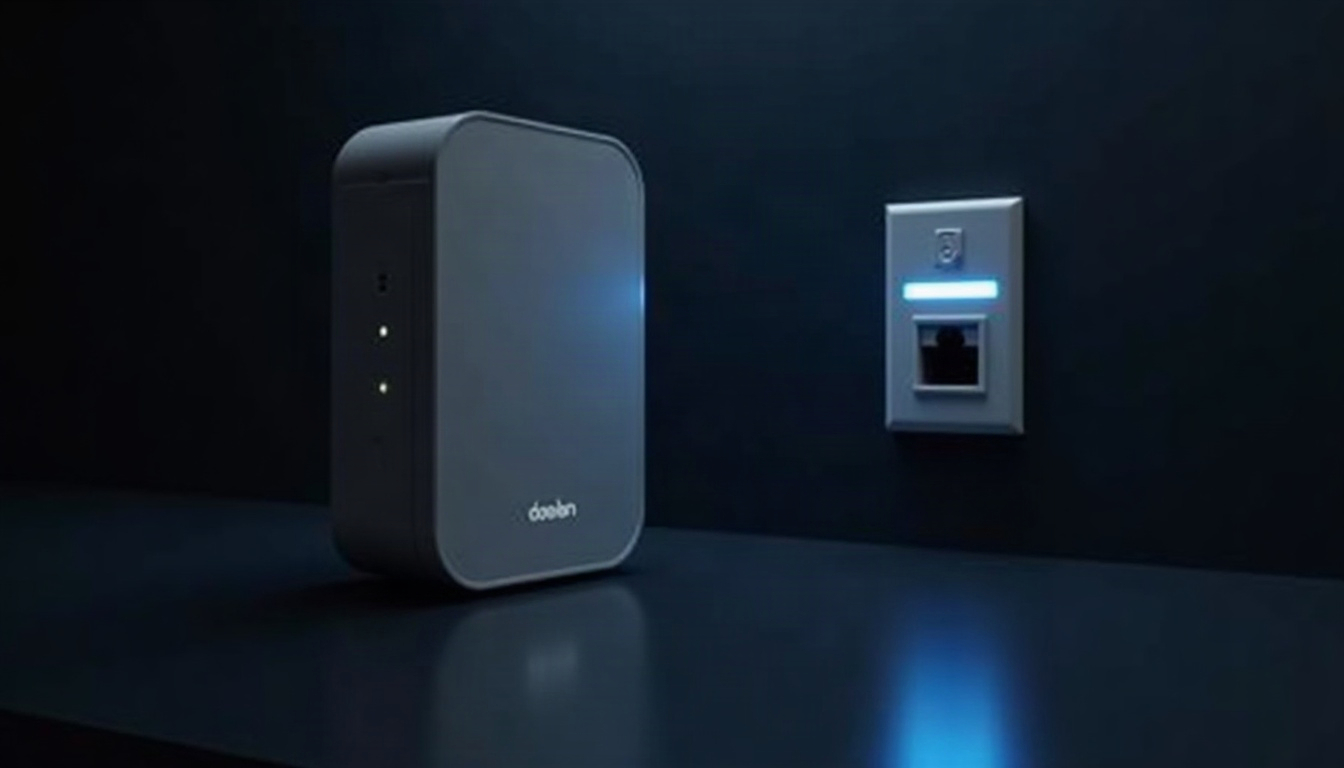
A wired setup avoids the problem by moving the data over a cable. One Ethernet cable runs from the spot where the router lives to a wall jack in the new room, and an access point (the device that broadcasts Wi-Fi) plugs into that jack. Wall material stops mattering because the signal only travels through the air for the last few feet.
Mesh Wi-Fi swaps the cable for more radios. A main router and one or more nodes talk to each other wirelessly, and that link is called backhaul. If the nodes use the same radio for backhaul and for your phone, every hop eats into the speed. That is the catch behind the “tri-band” label on the box: it only means a third radio, and what matters is whether that radio is reserved for backhaul. Some nodes also have an Ethernet port, so a mesh system can use a cable for backhaul when one exists. That is the best of both approaches.
Range extenders are the cheap fix. They hear a weak signal and repeat it, and many designs have to listen and talk on the same channel, so the usable speed drops.
Spec Check
| Spec | Wired Ethernet + access point | Mesh Wi-Fi nodes | Plug-in range extender |
|---|---|---|---|
| Link to the router | Cable in the wall | Wireless, or cable where a node has a port | Wireless only |
| Effect of walls | None on the cable run | Matters between nodes | Repeats whatever weak signal it receives |
| Installation | Cable planned before drywall | Place and plug in | Place and plug in |
| Hub needed | No, but a switch or power injector may be | The main node acts as the hub | No, pairs with the existing router |
| App or local control | Depends on the access point | Mostly app-led, vendor account common | Button pairing or a basic app |
| Upgrade path | Cable stays, swap the access point | Add or replace nodes | Replace the unit |
| Maintenance | Firmware updates, rarely touched | Firmware updates, occasional node moves | Re-pair when the router changes |
| Best for | TVs, desks and consoles in the new room | Rooms where no cable can be run | A short-term patch |
Here is what actually matters, ranked. First, the link between the new room and the router: a cable beats any radio, and nothing else on this table comes close. Second, whether the gear can use wired backhaul later, which is the only reason I’d still buy mesh for an addition. Third, how much the system leans on a vendor account and app. The spec I’d ignore is the coverage claim printed on the box. “Covers the whole home” is a best-case statement, and your house is not the test house.
Pros
I’m judging the wired plan here: Ethernet drops pulled while the walls are open, with an access point in the new room.
- A steady link. A cable does not care about drywall, mirrors or the microwave next door. Video calls and gaming stay smooth because nothing is competing for airtime, and that holds on the evening everyone is home.
- Jacks for the fixed gear. TVs, consoles, desktops and printers get a wired connection and stay off Wi-Fi. That leaves more room on the wireless side for phones and tablets, which move around and need it.
- It outlasts the hardware. The cable in the wall will probably be in service long after the access point is replaced. When wireless standards move on, you swap one device and leave the walls alone.
- Mesh-friendly. A jack in the new room can carry wired backhaul for a mesh node, so choosing wiring does not rule out mesh gear.
- Easier troubleshooting. When something drops, you can tell whether it is the cable, the access point or the router. With mesh you are guessing which node lost its link.
Cons
- The window is short. Cable is easy to place before the drywall goes up and annoying afterward. A late decision means mesh by default.
- It means guessing. You have to decide where the TV and the desk go before the room is furnished. A jack behind the wrong wall is a decorative feature.
- Extra hardware. Many access points take power through the same cable (Power over Ethernet), which needs a compatible switch or injector. That is one more box to buy and hide.
- More people on the schedule. The cable run belongs to whoever is on site, so you need to confirm who does it and when.
- No fix for the old rooms. A wired jack in the addition does nothing for a dead zone in the existing house. If the original rooms also have weak spots, you may still want a mesh or access-point plan for those.
Setup and Daily Use
DIY Install
The part you can do yourself is the placement and the settings. Plug the access point or mesh node into its jack or outlet, use the app or the web page to set the network name and password, and install firmware updates before you move furniture in. Mount the access point high and in the open, not inside a cabinet or behind the TV. Test it before you trust it: walk the finished room with a phone and run a video call from the far corner. If it holds there, it holds anywhere. If you go mesh, put the node about halfway between the router and the dead zone, because a node in the dead zone has nothing good to repeat.
Pro Install
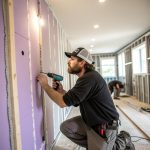
The cable run is a construction job. It is tied to the framing schedule and the people doing the building, so I’d leave the method to them. What you can do is ask good questions early. Where will the cables end, and will each jack be labeled at both ends? Is there a run for a ceiling access point? If the contractor does not handle low-voltage work, who does? Data cabling and mains wiring are separate trades with separate rules, and the crew on site and the local building department know what applies in your house. If the walls are already closed, ask the crew whether a cable can still reach the room. Sometimes it can, and sometimes mesh with a wired link is the honest answer.
Day to day, a wired addition is dull, which is the compliment. Reboot the access point if something odd happens, accept the occasional firmware update, and write the network name and password somewhere safe. Mesh needs a little more attention, mostly nudging a node when the furniture changes.
Verdict
Verdict
Buy if: the walls are still open and you want the new room to have a dependable connection for TVs, desks and consoles. Plan the jacks now and pair them with a single access point.
Skip if: the drywall is already up or the room’s layout is still a guess. Go with mesh nodes that have an Ethernet port, and skip range extenders unless you need a stopgap.
I’d rather over-plan one cable than spend a year apologizing to the family for a room with great light and no signal.