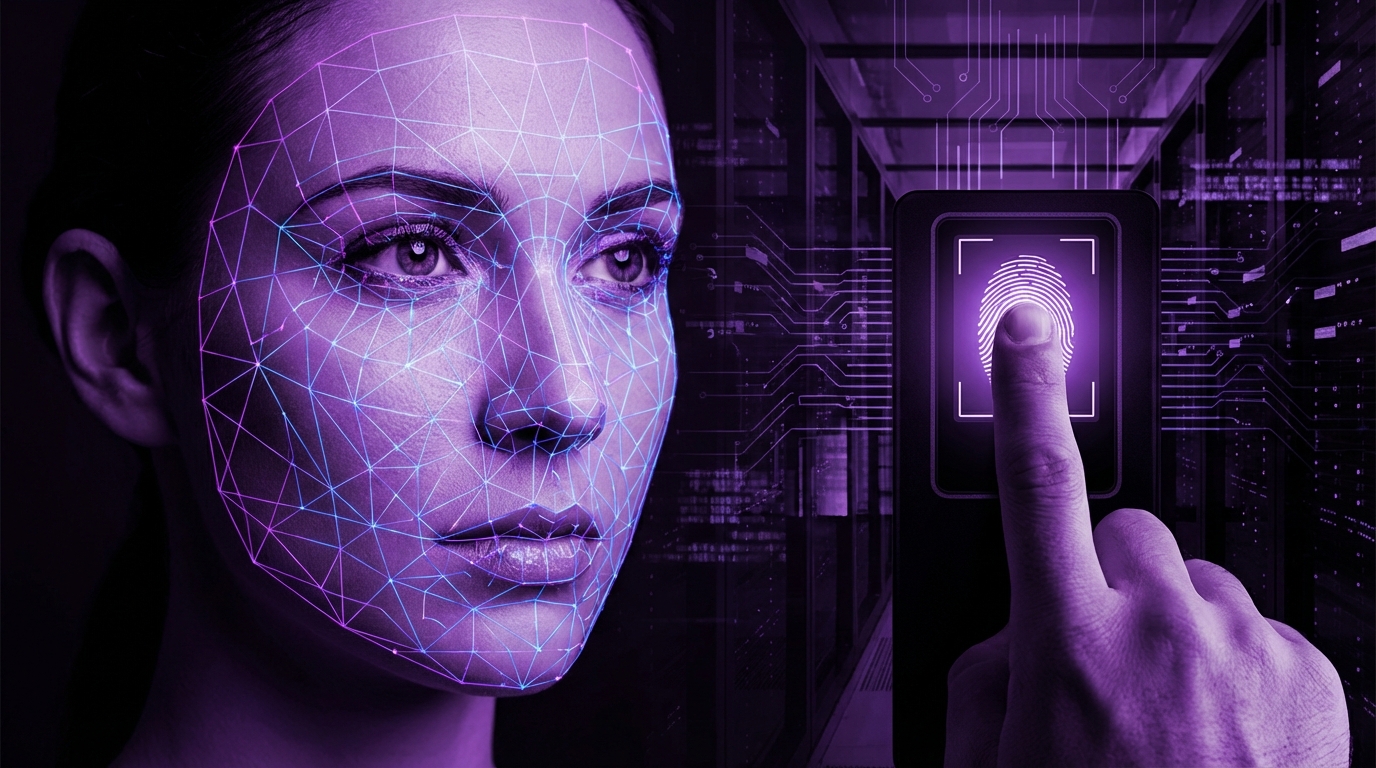
I used to think FaceID was almost magic. Look at your phone, and it just unlocks. No passwords, no friction, just pure convenience.
Then I started reading actual security papers and lab demos. And my reaction shifted from “Wow, this is amazing” to “Okay, where exactly does this break?”
The short answer: FaceID and fingerprints are safe enough for most people, most of the time. They are a big step up from weak passwords and PINs that you reuse everywhere. But they are not perfect, they can be attacked in some edge cases, and they come with privacy tradeoffs that you should not ignore. If you are a high-profile target or you handle very sensitive data, you need extra layers beyond biometrics.
How biometric security actually works (without the marketing spin)
Let us clear up one common myth first: your face or fingerprint is not stored as a raw photo inside your phone waiting to be stolen. That would be awful security design.
What most systems do instead is:
- Capture a biometric sample (face scan, fingerprint, iris, etc.).
- Extract features from that sample (for example, distances, patterns, shapes).
- Convert those features to a mathematical template.
- Store that template in a secure part of the device.
- Later, capture another sample and compare it to the stored template.
You never “unlock” your device with your face or finger directly. The system checks if the new sample is similar enough to the stored template, within some tolerance.
Biometrics are about matching, not about exact equality. That gap between “perfect match” and “good enough match” is where risk lives.
Here is a simple way to think about it:
| Method | What is stored | How it unlocks |
|---|---|---|
| Password | Hashed password | Exact match required |
| FaceID-style face scan | Face template (numbers) | Similar enough to template |
| Fingerprint | Minutiae template (ridge points) | Similar enough to template |
That “similar enough” threshold is where vendors have to balance two things:
- Security: Do not unlock for impostors.
- Convenience: Do not reject you every second time.
If they set the threshold too strict, the system gets annoying. Too loose, and false accepts go up.
FaceID vs generic face unlock vs fingerprints
Not all biometrics are created equal. There is a big difference between:
- Apple FaceID
- Android “secure” face unlock (with IR and depth)
- Android simple face unlock (camera-only)
- Fingerprint sensors (capacitive or ultrasonic)
Let us break these down.
| Type | Tech | Security level | Common issue |
|---|---|---|---|
| Apple FaceID | IR + depth map | High vs casual attackers | Identical twins, some 3D mask attacks in labs |
| Secure Android face unlock | IR, structured light or ToF | Varies by vendor | Weaker tuning, more inconsistent results |
| Simple Android face unlock | Front camera only | Low | Photo or video spoofing |
| Fingerprint (capacitive) | Measures electrical properties | Medium to high | Fake fingerprint with good quality copy |
| Fingerprint (ultrasonic) | Ultrasound 3D scan | Higher in theory | Software bugs, sensor quality |
Simple camera-based face unlock is closer to a convenience feature than a serious security feature. Treat it that way.
If you see a warning in Android settings that says something like “Face unlock is less secure than PIN,” take that literally.
How safe are FaceID and fingerprints in practice?
Let us talk about three separate questions:
- How often can a random stranger unlock your phone by accident?
- How hard is it for someone who actively tries to break it?
- What happens if the data that represents your face or fingerprint leaks?
False accepts vs targeted attacks
Apple has published rough numbers for FaceID:
- Touch ID: chance of a random fingerprint unlocking your device was about 1 in 50,000.
- FaceID: chance of a random face unlocking your device is about 1 in 1,000,000.
These numbers do not tell the whole story, but they give you a sense of scale. For a normal person, a totally random stranger walking by is very unlikely to unlock your iPhone with their face.
The real question is: what about someone who wants to target you?
Here the story changes.
FaceID and modern fingerprints are very strong against casual guessing. They are weaker against:
- People with physical access to your device and your face or finger.
- Skilled attackers with lab-style tools.
- Legal pressure where you can be compelled to unlock.
Biometrics raise the bar for attackers, but they also lower friction for people around you who can physically grab your device and your hand or hold it up to your face.
If your risk profile is “I might lose my phone in a taxi,” you are well covered. If your risk profile is “I handle sensitive sources as a journalist” or “I work in high-stakes finance,” you need more than biometrics alone.
Lab attacks vs real world
You might have seen headlines like “Researchers fooled FaceID with a 3D printed mask.” Sometimes those are overblown, sometimes they reveal real issues.
What these usually involve:
- High-quality 3D model of your face.
- Multiple iterations of fake masks.
- Careful tuning to bypass depth checks.
- Direct physical access to your unlocked device or time with it.
For fingerprints, similar stories:
- High resolution photo of a fingerprint (glass, glossy surface, etc.).
- Convert ridge pattern to a mold.
- Use special materials to imitate skin.
- Try repeatedly on the sensor.
These attacks are not trivial, but they are not science fiction either. They are plausible for motivated attackers with enough time and access.
For most people, this level of effort is unlikely. For executives, activists, lawyers, or people in adversarial environments, this is worth taking seriously.
Where biometric data actually lives (and why that matters)
A key part of the safety story is not just “Can it be spoofed?” but “Where is my biometric data stored and who can touch it?”
On modern flagship devices, vendors try to keep biometric templates inside isolated hardware:
- Apple calls this Secure Enclave.
- Android devices have Trusted Execution Environment (TEE) and sometimes extra secure elements.
The idea is:
- The main operating system never sees your raw biometric template.
- Biometric matching happens inside the secure hardware.
- Only a yes/no style signal goes back to the OS.
When biometric protection works well, your template never leaves a tiny, locked-down pocket of your device that even normal apps cannot touch.
This is one reason I am very cautious about cheap phones or off-brand devices. Security is not just about features; it is about how carefully the hardware is designed.
Here is a rough comparison:
| Device type | Where biometrics live | Trust level |
|---|---|---|
| Flagship iPhone | Secure Enclave, not readable by apps | High for most users |
| High-end Android with TEE | TEE / secure element, vendor dependent | Good, but more fragmented |
| Budget Android, unknown vendor | Sometimes mixed, sometimes weaker isolation | Varies a lot |
And then there is a different world entirely: biometric systems that store templates on servers. Office access, some government systems, airports, hospitality uses.
You rarely get transparency on:
- How templates are stored.
- What encryption they use.
- Who has access.
- What happens if that database leaks.
With phone biometrics, default designs try to keep your data on the device. With centralized biometrics, your data can exist in multiple places that you never see.
Why biometrics are not like passwords
Here is the part that bothers a lot of security people.
If your password leaks, you can change it.
If your fingerprint leaks, you are stuck with that fingerprint for life.
You can reset a password, you cannot reset your face.
This is why biometric templates need stronger protection than passwords. The impact of a biometric breach is long term. And you may not even be told that your template leaked.
Also, unlike passwords, your biometrics are public by default:
- Your face is on social media, security cameras, and conference badges.
- Your fingerprints are on coffee cups and door handles.
So the process of gathering raw material for spoofing is easier than, say, sniffing a password typed on a keyboard.
To be fair, the templates used by good systems are not direct images, and they are not trivial to reverse engineer. But there is no reason to take that as a guarantee that reversal is impossible forever. Cryptography and pattern recognition tend to move over time.
Legal and physical risks of FaceID and fingerprints
There is a surprisingly practical reason many security professionals still use PIN codes or long passphrases on travel phones: legal protections.
In several countries, law enforcement has pushed test cases around this question:
- Can you be forced to unlock a device with your face or finger?
- Is that different from being forced to reveal a password?
Courts in some regions treat these as different types of evidence:
- A password sits in your mind. Compelling it is self-incrimination territory.
- Your face and finger are physical attributes, more like a key.
Without turning this into legal advice, the pattern is:
In many jurisdictions, it is easier for authorities to argue they can compel biometric unlock than to force you to speak a password.
Then there is simple physical coercion. Someone can:
- Grab your hand and press your finger to the sensor.
- Hold your phone in front of your face while you are drowsy or distracted.
This is not theoretical. There have been robbery cases where this happened.
So if you are at higher risk of:
- Border device searches.
- Domestic abuse scenarios.
- Kidnapping or targeted robbery.
using biometrics as the only barrier is not ideal.
Many security conscious users do this instead:
- Use biometrics during normal daily life for convenience.
- Have a quick way to disable biometrics and fall back to PIN or passphrase.
On iPhones, that can be:
- Pressing certain button combinations to trigger “lockdown” which forces passcode entry.
On Android, it depends on the vendor, but some have similar lockdown features.
Where FaceID and fingerprints shine
I do not think biometrics are “bad.” Actually, they solved one of the biggest real problems: people reusing awful passwords and PINs everywhere.
Think about it:
- Most users do not choose long, random passphrases.
- Many never turn on device encryption if it feels inconvenient.
- They leave phones unlocked or use “1234” so they are not annoyed all day.
When biometrics arrived as a default on phones, something important happened:
A lot of people who would never use a proper password suddenly started using encryption and lock screens because face and fingerprint unlock made it less painful.
That is a big net gain.
Here is where FaceID and fingerprints are genuinely strong:
| Scenario | Biometrics vs no lock |
|---|---|
| Phone stolen in a cafe | Biometrics are far better than leaving it unlocked |
| Child or co-worker casually trying to peek | Biometrics stop most casual snooping |
| Malware trying to brute-force PIN | Hardware backed biometrics and rate limits help a lot |
| Data at rest protection | Biometrics + encryption is solid for typical users |
There is also one subtle advantage: shoulder surfing.
If you type a PIN in public, someone nearby can watch and memorize it.
If you use FaceID, there is nothing to watch.
So biometrics reduce the risk of observation attacks, but increase the risk related to physical pressure.
Common myths about biometric security
I see a few recurring myths in comments and client conversations. Let me push back on them a bit.
“Biometrics are like a password based on my body”
Not quite. A password is secret by design. Your biometrics are visible.
This means:
- You must treat biometric systems as one factor out of several, not the whole answer.
- A strong fallback PIN or passphrase still matters.
“My fingerprint data is going straight to big tech servers”
On normal smartphones, the fingerprint and face templates stay on the device, inside secure hardware. They do not get synced to the cloud in raw form.
Where you need to be more suspicious is:
- Third-party biometric apps that are not part of the OS.
- Websites asking for biometric login through the browser in non-standard ways.
- Workplace attendance devices, door systems, and other local solutions with vague privacy policies.
The browser-based standard WebAuthn does support platform authenticators that use your device biometrics, but the site does not receive your face or fingerprint. It receives cryptographic signatures from the device.
There is a difference between a site asking “Use your device biometric to prove you are you” and “Upload a selfie or finger scan here.” Be very careful with the second category.
“If hackers steal my biometric template, they can reconstruct my face”
In practice, biometric templates are not stored as jpgs. They are mathematical feature sets.
That said, I would not treat any template as permanently safe from reconstruction. Machine learning tends to find surprising ways to reverse patterns over time.
So I would rephrase the worry:
If my biometric template leaks, I have to assume someone can build better spoofing tools for me in the future, even if they cannot print a perfect face picture from it today.
The risk is not just “instant identity theft,” it is “long term targeted spoofing becomes easier.”
When you should use biometrics, and when you should not
Let me be a bit opinionated here.
If you are a typical user:
- Use FaceID or a good fingerprint sensor on your primary phone.
- Make sure you use a strong device passcode or PIN behind it (not 1234, not your birthday).
- Do not rely on simple camera-only face unlock for banking apps.
If you are a higher risk user:
- Keep biometrics enabled for convenience, but learn how to trigger “lockdown” mode that forces passcode entry.
- Disable biometrics before crossing borders or entering sensitive meetings.
- Use long, unique passphrases for device unlock and critical accounts.
If you control a product or app that wants to add “Login with fingerprint / face”:
- Use the platform APIs (FaceID, Android BiometricPrompt) so you never handle biometric data yourself.
- Bind authentication to cryptographic keys on the device, not to raw templates.
- Give users an option to fall back to password plus second factor.
The safest path for apps is to let iOS or Android handle biometrics and just ask the OS, “Has this device user proven themselves?” and never touch the biometric stream directly.
Practical tips to make FaceID and fingerprints safer
You cannot control the hardware design, but you can control how you use it.
Strengthen the fallback secret
Your biometric gate usually sits in front of a PIN or passcode. If that fallback is weak, the whole system is weaker.
Checklist:
- Use at least 6 digits for a PIN, or a longer alphanumeric passcode.
- Avoid predictable patterns like 111111, 123456, or birthdays.
- Change your device passcode if you think someone nearby knows it.
On some platforms, you can set:
- Requirement for passcode after a certain time of inactivity.
- Requirement for passcode on restart (you want this on).
That gives more windows where biometrics are not enough to unlock.
Turn off weak biometric modes
On Android in particular:
- Disable “Trusted face” or simple face unlock that uses only the camera.
- Prefer fingerprint or stronger “face recognition” modes that use IR / depth, if available.
If your phone warns that a biometric mode is “less secure,” assume the engineers meant it.
Use biometric protections carefully in apps
When an app offers “Use FaceID to login,” pay attention to:
- Is it enabling native biometric auth through the OS, or is it asking you to scan something extra?
- Can you combine it with 2-factor authentication (codes, hardware keys)?
For banking or password managers:
- Biometric unlock is handy, but make sure the underlying master password is strong.
- Consider requiring full master password after device reboot or after long inactivity.
You want layers:
Biometrics for daily speed, strong secrets behind them for real safety.
Think about your physical surroundings
In some situations, I personally switch biometrics off temporarily:
- Crossing a border where device searches are common.
- Entering a risky area where theft or conflict is likely.
- Going into sensitive meetings where you do not want to risk coercion.
You can:
- Disable FaceID / fingerprint in settings for a period.
- Or trigger a “lockdown” mode that suspends biometrics until you type the passcode.
This sounds paranoid, but for some professions it is normal hygiene.
Future trends: where biometric security is heading
Biometrics are not going away. If anything, they are spreading:
- Laptops and desktops with face and fingerprint login.
- Browser-based WebAuthn with device biometrics as an authenticator.
- Payment terminals that use finger or face.
You will probably see more:
- Multi-modal biometrics, combining face + voice or face + device possession.
- Continuous authentication, where your device checks your face or behavior throughout use.
- Regulations about biometric data storage and consent, especially in regions with stricter privacy laws.
From a security point of view, the ideal setup looks like this:
| Layer | Role |
|---|---|
| Hardware element | Stores biometric template and keys |
| Biometric factor | Verifies “same person at device” conveniently |
| Strong passcode / password | Fallback and legal protection |
| 2FA / security keys | Protects online accounts beyond the device |
We are already partway there on phones. The weak link is usually human behavior, not the sensor itself.
So, are FaceID and fingerprints “safe”?
If by “safe” you mean “better than what most people used before,” then yes, strongly yes. FaceID and modern fingerprint sensors make it much harder for casual thieves and snoops to access your data, and they encourage more people to lock and encrypt their devices.
If by “safe” you mean “bulletproof against skilled, targeted attacks, legal pressure, and future data misuse,” then no, they are not enough on their own.
So the balanced view looks like this:
FaceID and fingerprints are great daily security tools when paired with a strong passcode and some awareness of physical and legal risks. Treat them as a convenience layer on top of real secrets, not a magic shield.
If you remember nothing else, I would go with these three rules:
- Use biometrics on your phone, but back them with a strong passcode.
- Turn off weak camera-only face unlock; prefer fingerprint or depth-based face.
- Disable biometrics or trigger lockdown when you expect higher physical or legal risk.
That way you get the best part of biometric security (less friction, more locked devices) without pretending it solves every problem.